
External portal
Tender, track, and invoice — without driver pay
A broker_id-scoped portal. You see freight you originate or are allowed to see. You never see driver GPS or driver payroll.
A day in the role
Originate the freight
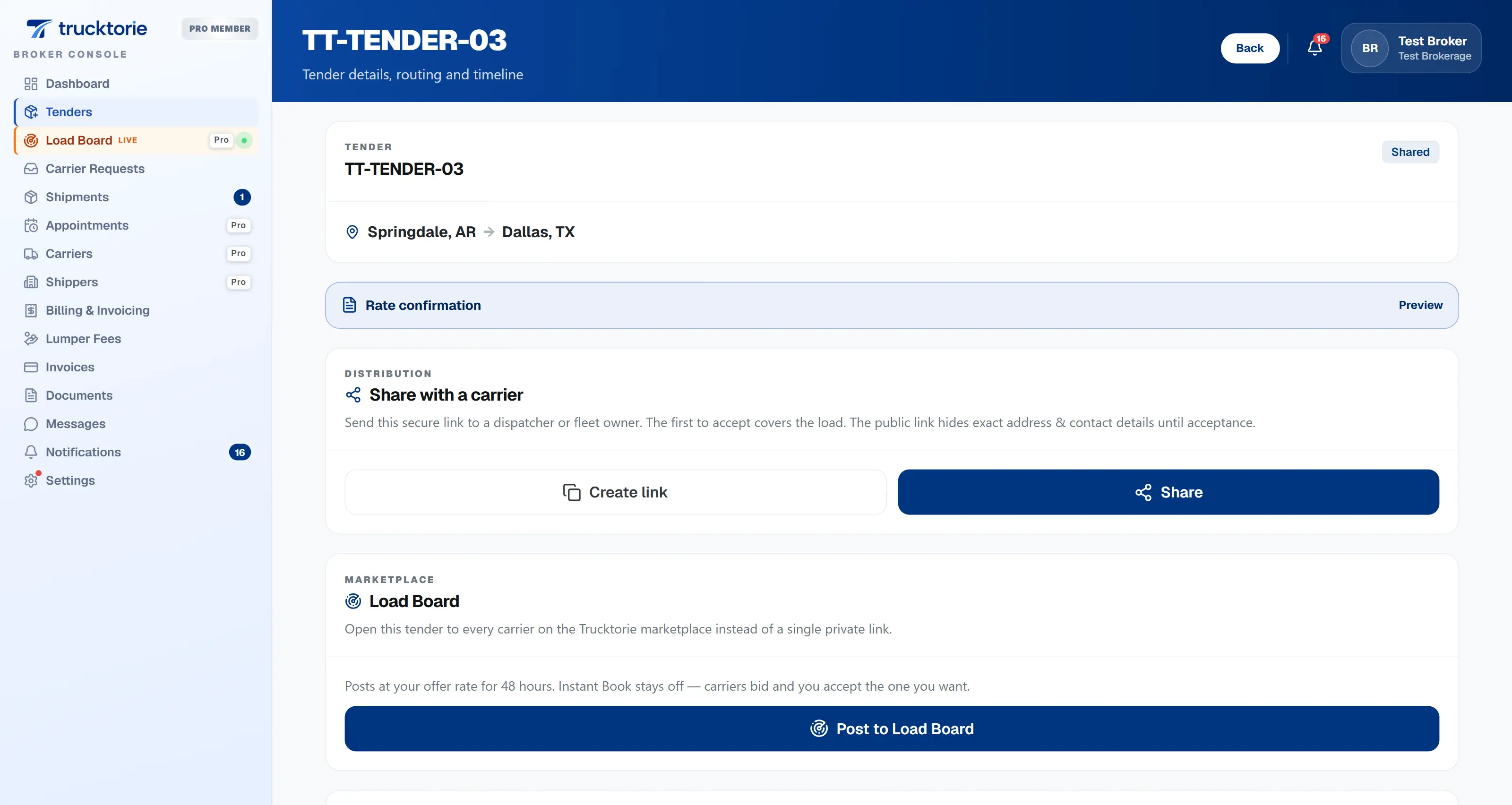
Send a public token or assign a carrier. When they accept, the load and rate confirmation exist without a side email.
Watch the shipment, not the truck’s GPS
The broker view is a column-limited surface. You get shipment status and allowed tracking — not a driver location feed and not another broker’s loads.
Paper you are meant to see
Documents appear only when the carrier marks them broker-visible. Internal dispatcher approval is a different flag.
Authorize lumper, invoice the week
Lumper authorization is your axis. Facility collection is the warehouse’s. Statements are billing records; we do not factor or ACH.
What this workspace actually does
- Public tender link or targeted assignment; accept writes load + rate confirmation.
- Shipments, tracking you are allowed, carrier-request inbox, broker-visible documents.
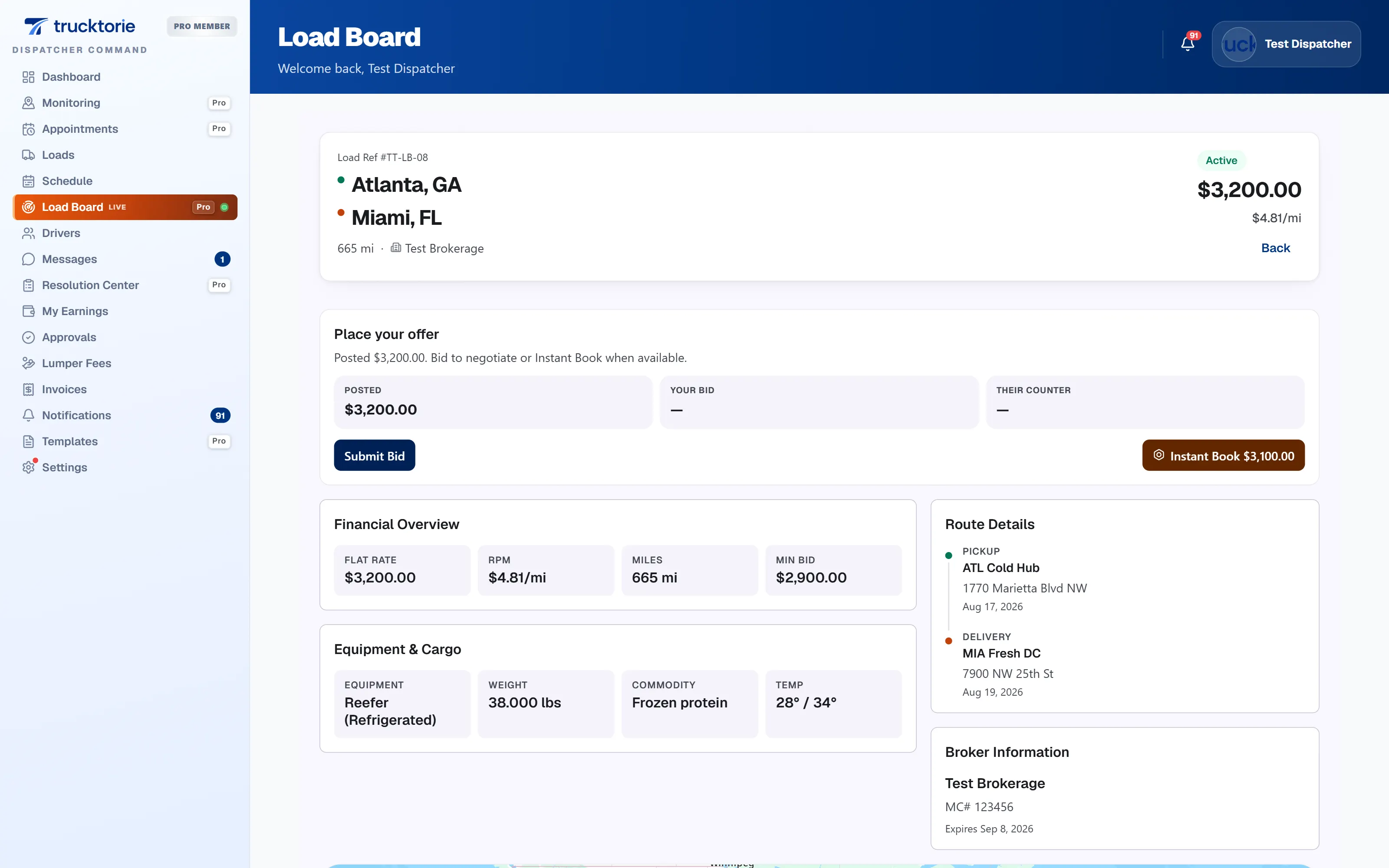
- Billing and invoicing statements, lumper authorization, appointments, load-board posts.
- Carrier and shipper lists are derived from freight — no fake compliance badges.
- Public tender pages are PII-safe (city/state, dates, equipment, rate).
app.trucktorie.com/tenders
app.trucktorie.com/load-board
Works with
Same load record. Different columns depending on the tenant.
Questions
No. Driver GPS, driver pay, dispatcher commission, internal notes, and other brokers’ freight are excluded at the view layer.